Sending Service Reports
Keep your customers informed with professional service reports sent directly after each visit.
Automatic Reports
After completing a service stop, you can send a report via SMS:
- Complete the service (water readings, chemicals, photos)
- Tap Complete Service
- Choose Send Report
- The customer receives a text with a link to their report
Sending reports builds trust and keeps customers informed without extra phone calls.
Report Contents
Each service report includes:
- Date and time of service
- Water chemistry readings
- LSI score and status
- Chemicals added with amounts
- Service notes
- Photo of the pool
- Your business information
Customer View
Customers receive:
- SMS text message with a link
- Beautiful, mobile-friendly report page
- No login required to view
- Works on any device
Sample Customer Experience
- Customer gets text: "Your pool was serviced today! View report: [link]"
- They tap the link
- See a professional report with all details
- Can view photos and chemistry readings
When to Send Reports
Send After Every Service
Consistent communication builds trust. Most pool pros send reports after every visit.
Skip Reports When
- Customer specifically requested no reports
- Quick stop without full service
- Follow-up visit for issue resolution
Report Settings
Customize your reports:
On the Web Dashboard
- Go to Settings > Service Reports
- Configure options:
- Include/exclude specific readings
- Add your logo
- Customize message text
Viewing Sent Reports
Track which reports have been sent:
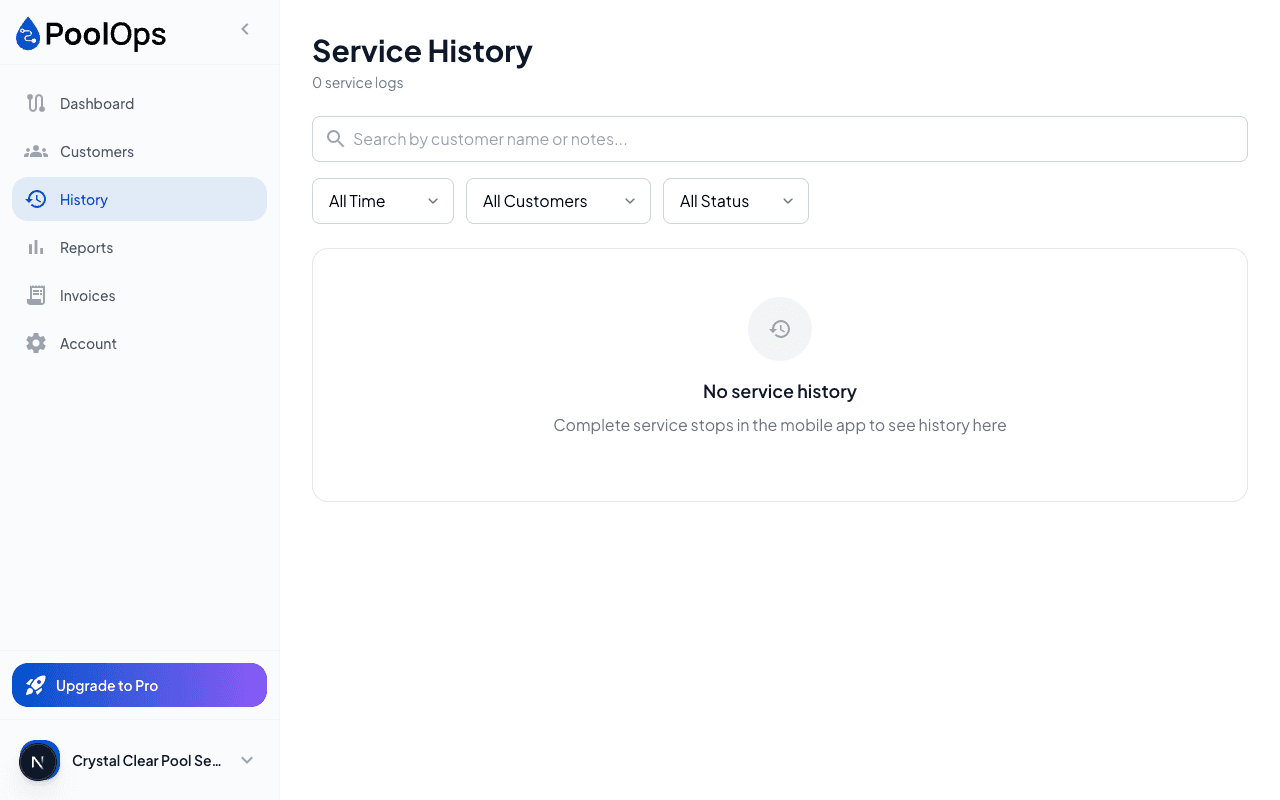
- View from customer profile
- See date and time sent
- Know if customer opened the report