Pool service dispatch
Build recurring schedules and assign each customer to the right technician.
Pool service management software for small teams
Assign recurring work, give technicians the details for each stop, keep a complete service record, and review field issues from the same system.
FROM THE FIRST STOP TO THE LAST
PoolOps connects the schedule, technician visit, customer history, and field issues so updates do not depend on calls and texts.
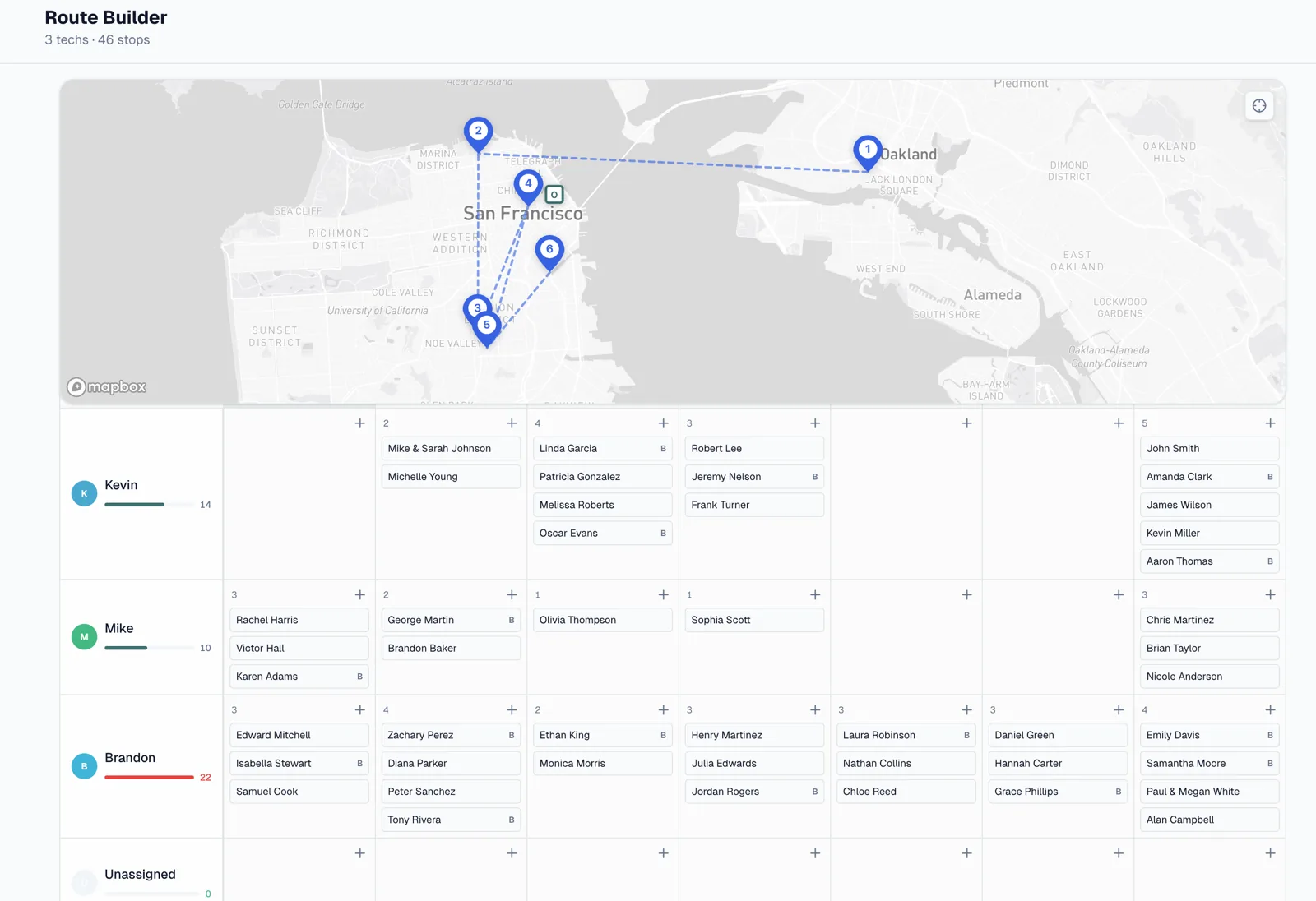
Build recurring schedules and assign customers to the technician responsible for the route.
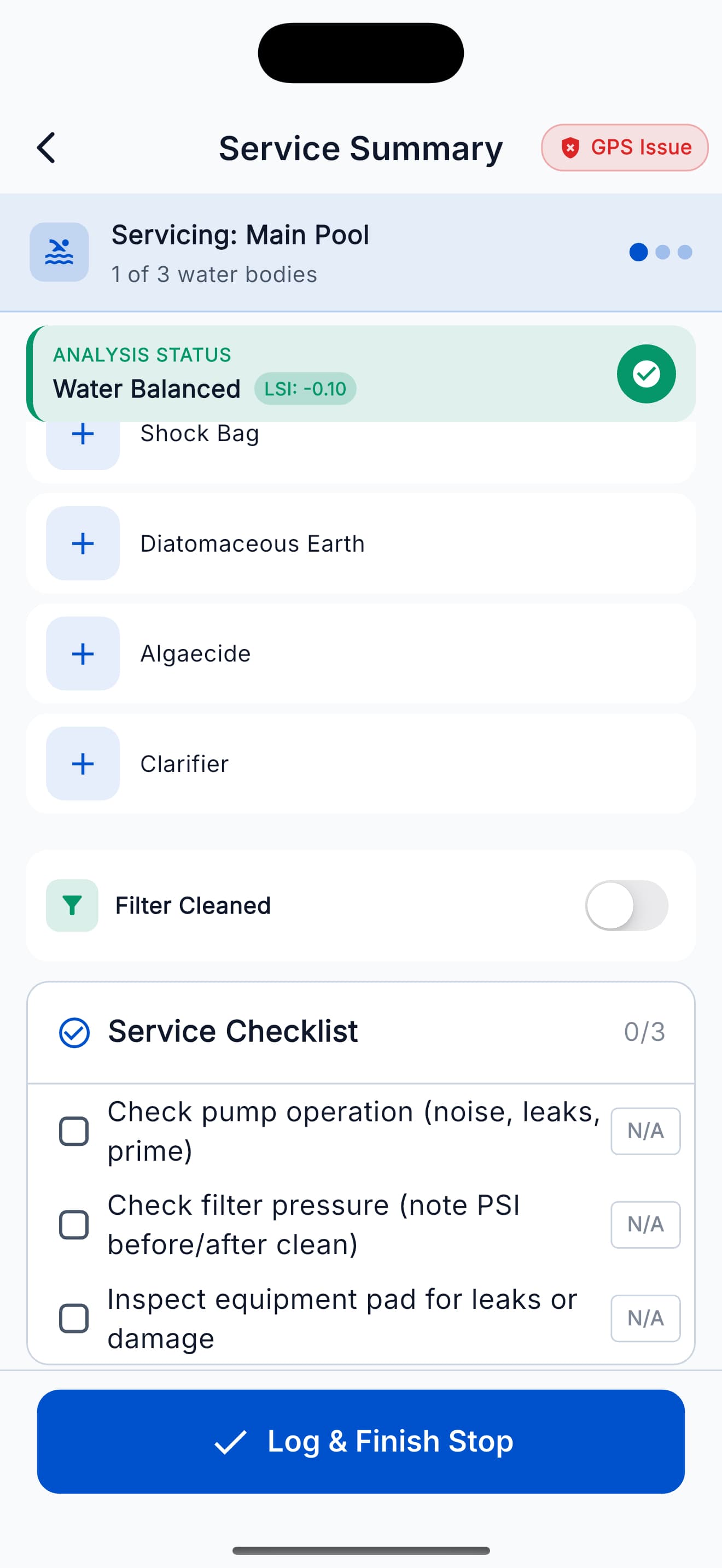
Technicians see customer details, required checklists, chemistry tools, and visit notes on mobile.
GPS verification, readings, completed checklist items, photos, and notes stay with the visit.
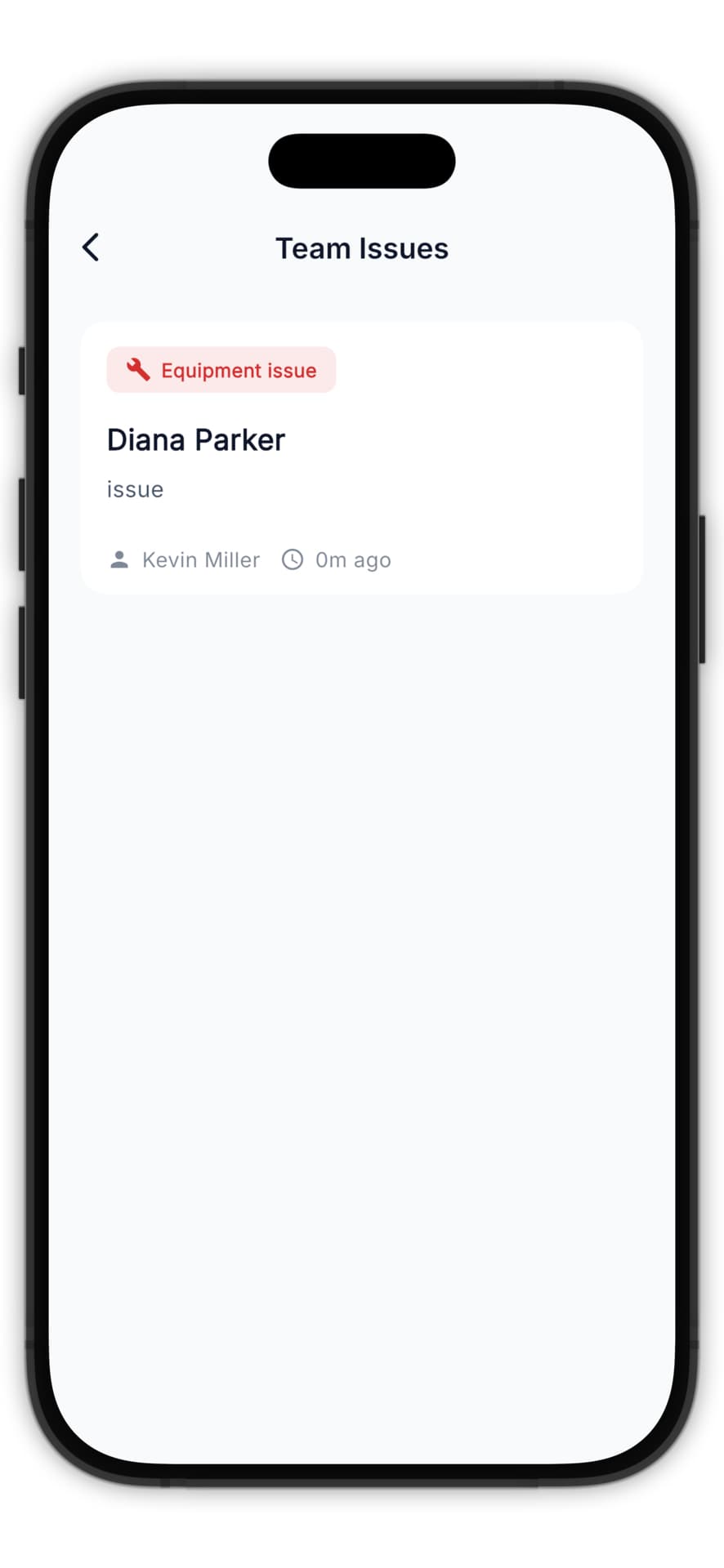
Owners can review service history and respond when a technician flags an equipment or service issue.
Scheduling and dispatch
Manage recurring service across technicians, move stops when plans change, and give each technician a mobile route with the customers assigned to them.
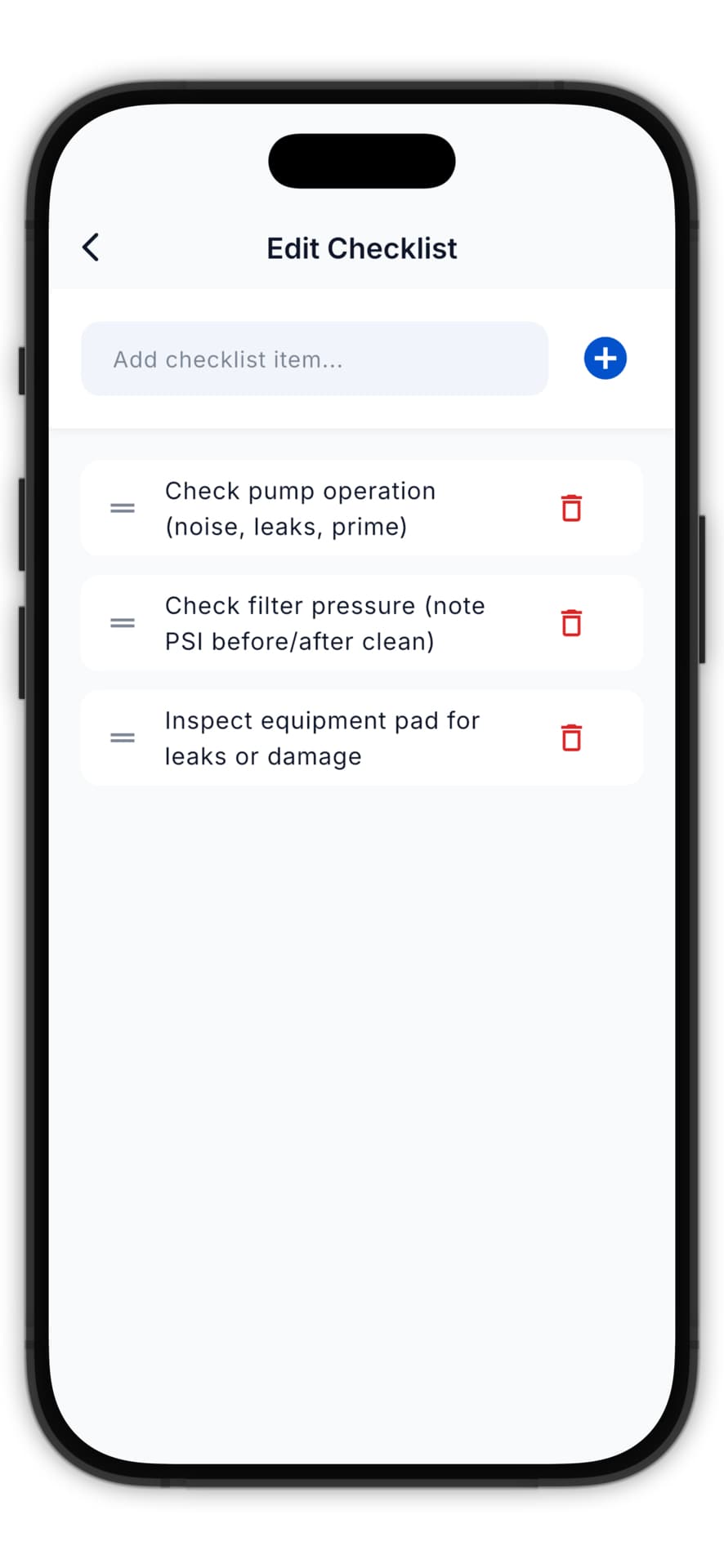
Service standards
Create checklists around the work each property requires. Technicians can record readings, complete tasks, add photos, and leave notes before closing the visit.
Issue handling
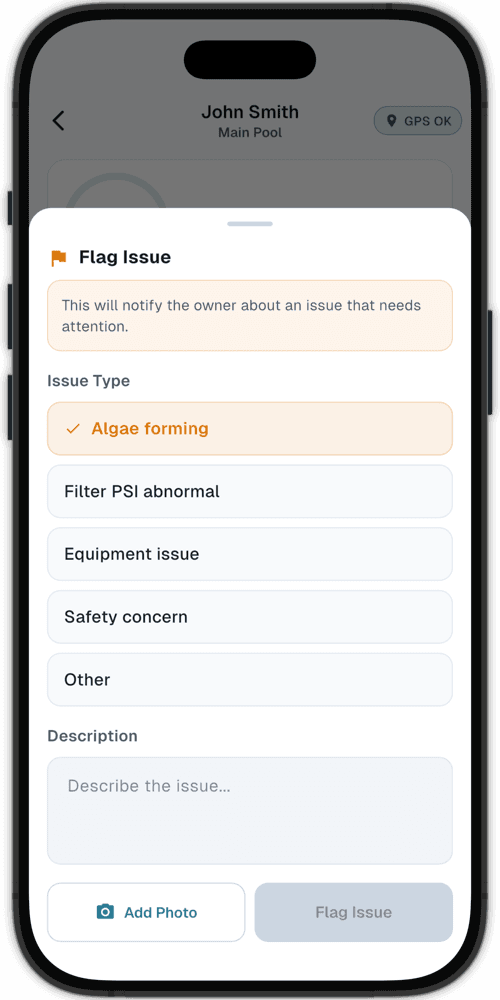
When a technician finds an equipment or service issue, they can flag it with a photo and note. The issue stays attached to the customer record for owner review.
Owner visibility
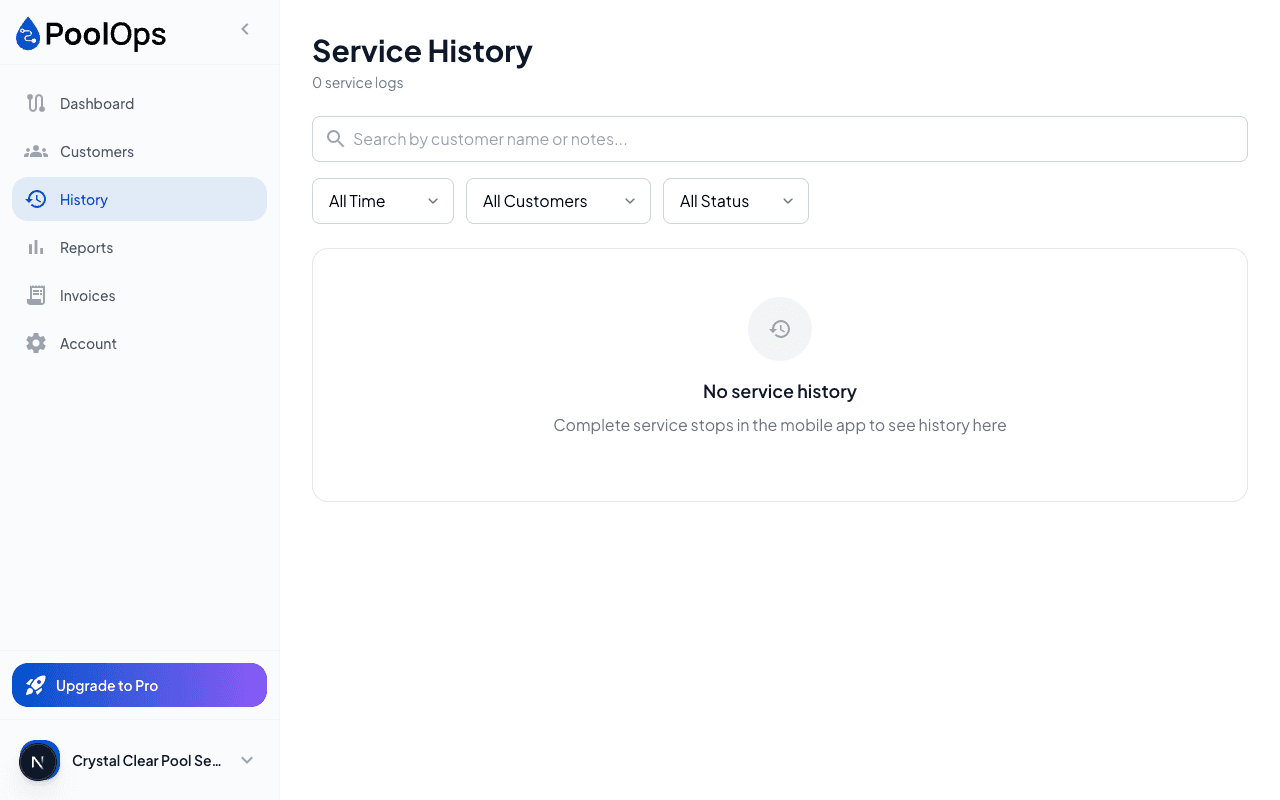
Visits retain the technician, arrival information, readings, checklist, photos, and notes. Owners can review what happened without interrupting the technician’s next stop.
Team features
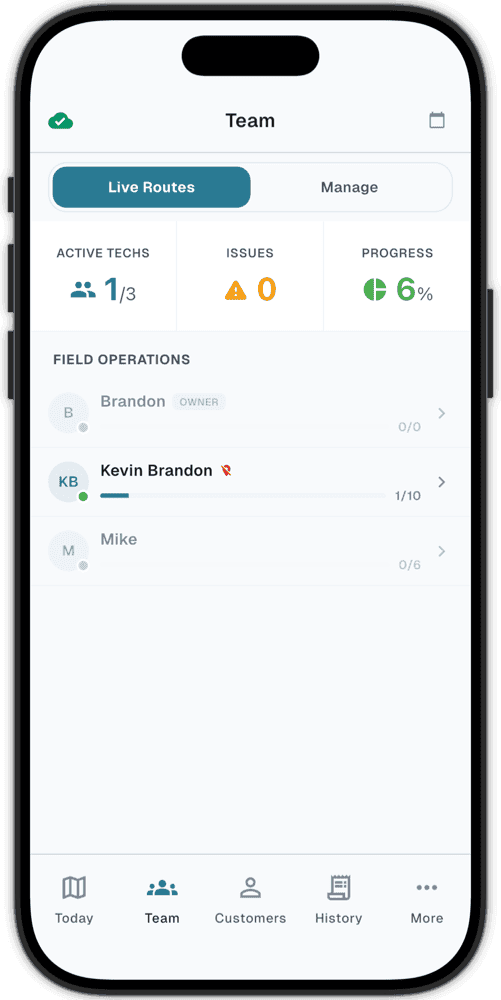
Team adds dispatch, technician accountability, and owner visibility without taking the field tools away from the people doing the work.
Build recurring schedules and assign each customer to the right technician.
Give each technician a mobile route with customer details and navigation.
Store arrival information with the completed service visit for owner review.
Set the required work for each customer and keep completed tasks with the visit.
Require service photos before a technician closes the stop.
Send equipment or service problems to the owner with a photo and note.
Review routes, recent service, and flagged work from the web.
Give technicians the field information they need while protecting owner settings.
BEFORE YOU START
The Team plan starts at $59.99/month plus $9.99 per active technician seat. You can add or remove technician seats as the team changes.
Technicians see the customers and visits assigned to them, including route information, service details, checklists, chemistry tools, and issue reporting. Owner controls protect billing and team-management settings.
PoolOps stores arrival information with the service visit so the owner can review when and where the technician arrived alongside the rest of the service record.
Yes. Checklists are tied to the customer, so technicians see the tasks required for that specific property.
Yes. The 14-day trial includes Team features. A card is required, you are not charged until the trial ends, and you can cancel before then.
YOUR NEXT SERVICE DAY, SORTED
Try Team for 14 days. Plans start at $59.99/month plus active technician seats.