Solo
For independent pool pros$29.99/month
One operator. Unlimited pools. The tools to run your day.
- Route planning and recurring schedules
- Chemistry logs and customer reports
- Invoicing and payment tracking
POOL SERVICE SOFTWARE · WEB + MOBILE
From the first stop to the last invoice. PoolOps brings schedules, service records, and billing together for solo pool pros and growing teams.
Solo from $29.99/mo · Card required · Cancel anytime
THE WHOLE OPERATION
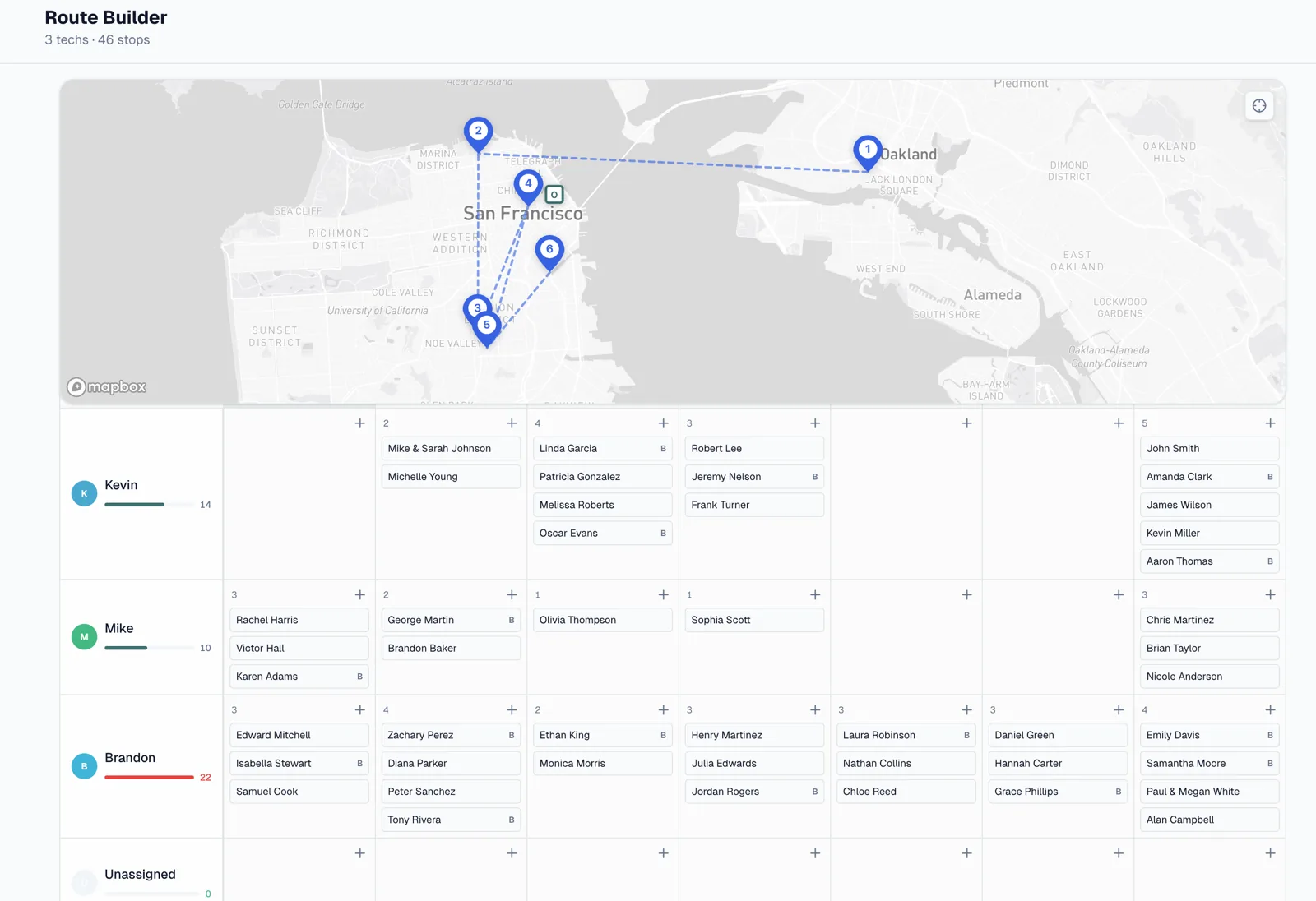
Your customers, your routes, your service records, your money. Connected in PoolOps, from the office to the field.
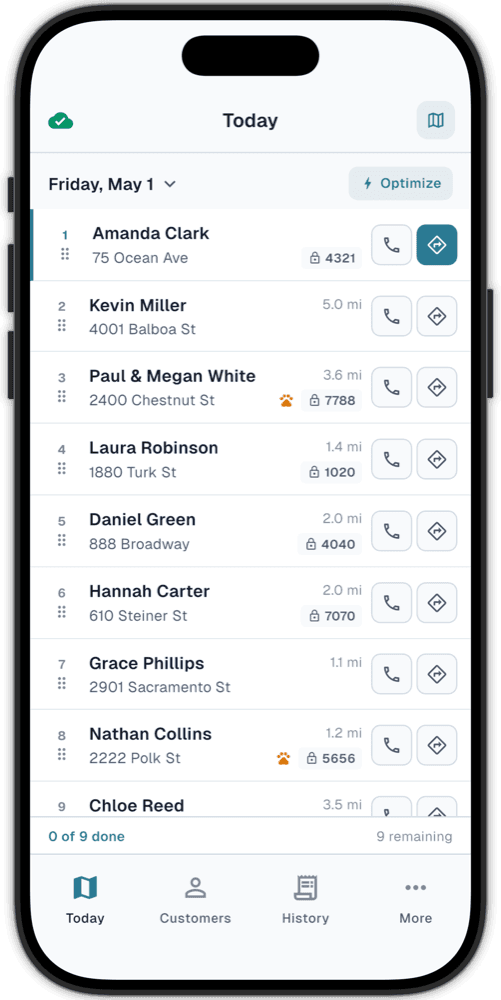
See recurring stops, assign technicians, and adjust the week as plans change. Keep the route and the office working from the same schedule.
MADE FOR POOLSIDE
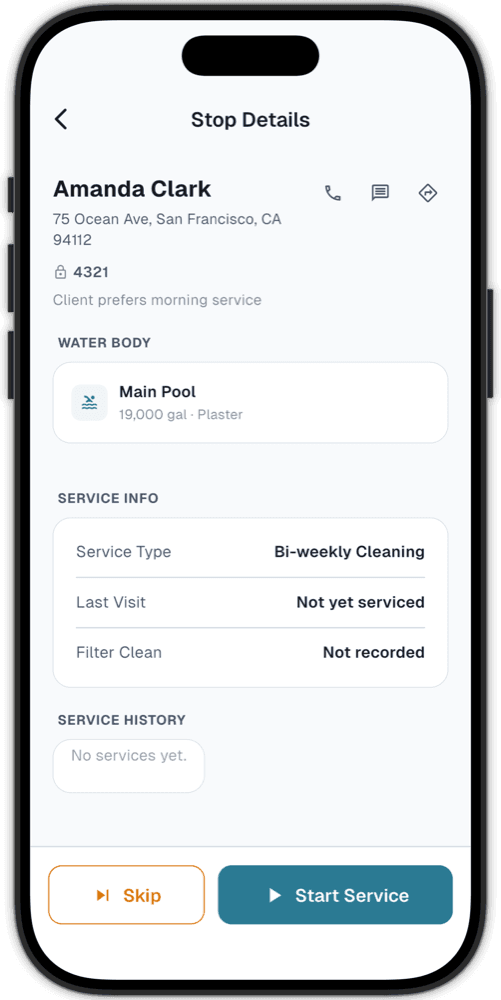
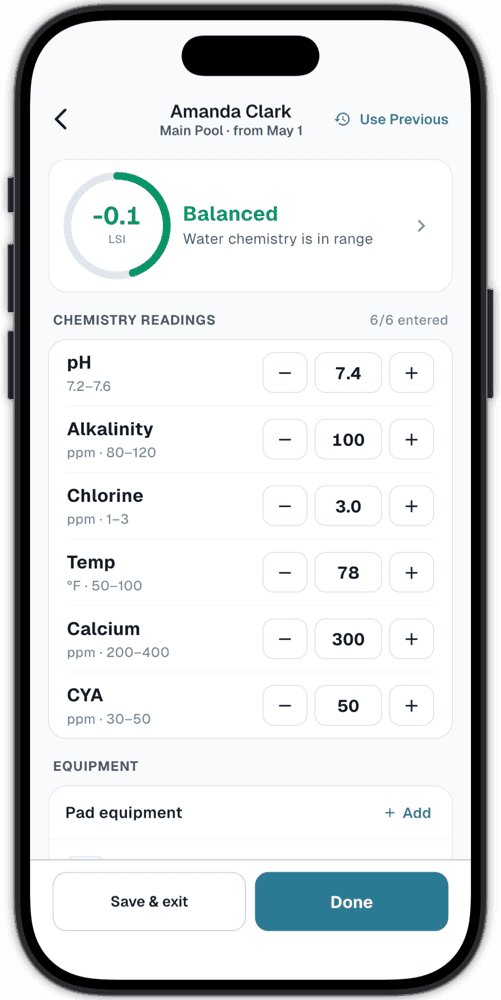
Gate code. Last visit. Water readings. Give yourself and your technicians the information to do the job, without a call back to the office.
Pull up customer notes, pool details, and service history before you start.
Log chemistry, chemical usage, photos, and completed work at each stop.
Send a service report with the details of their visit.
No signal? Keep working.
Log service offline. Sync when you reconnect.
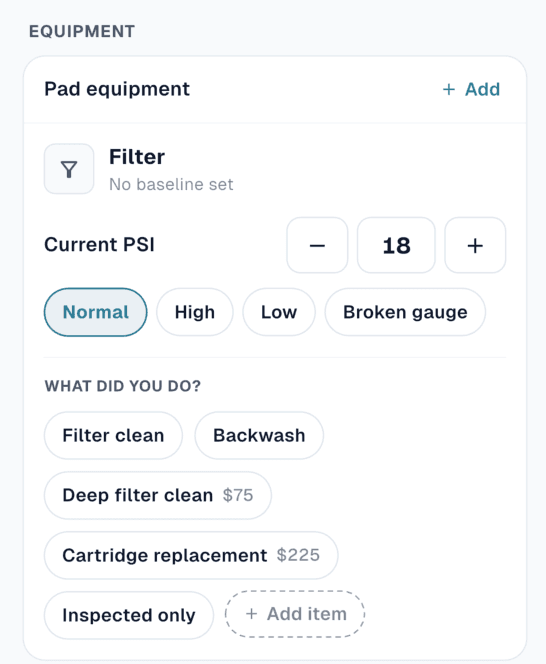

A CLEAR VIEW FROM THE OFFICE
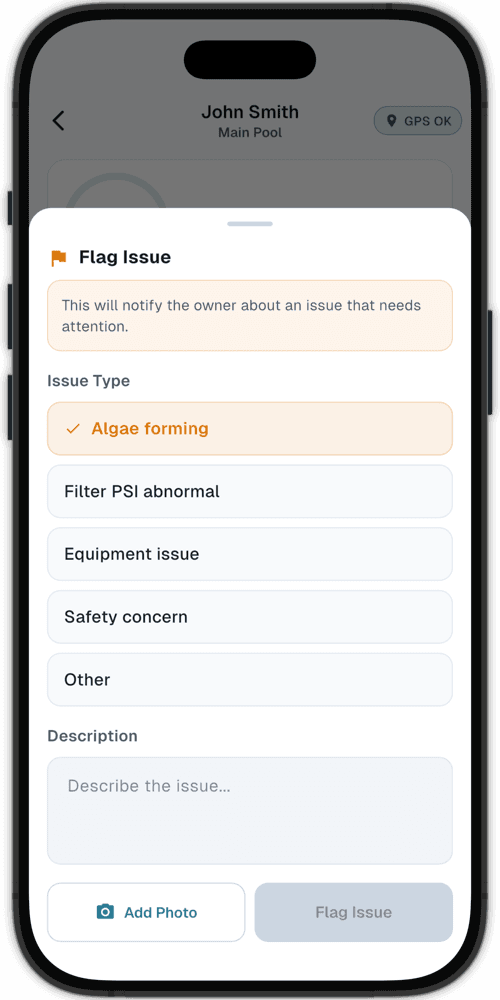
See the day’s stops on one map. When a technician spots a problem, they can flag it from the pool—with the details you need to follow up.

FROM SERVICE TO PAYMENT
The work is recorded. The customer is already there. Create a clear invoice and let them pay online, without starting over in another tool.
Explore invoicing & payments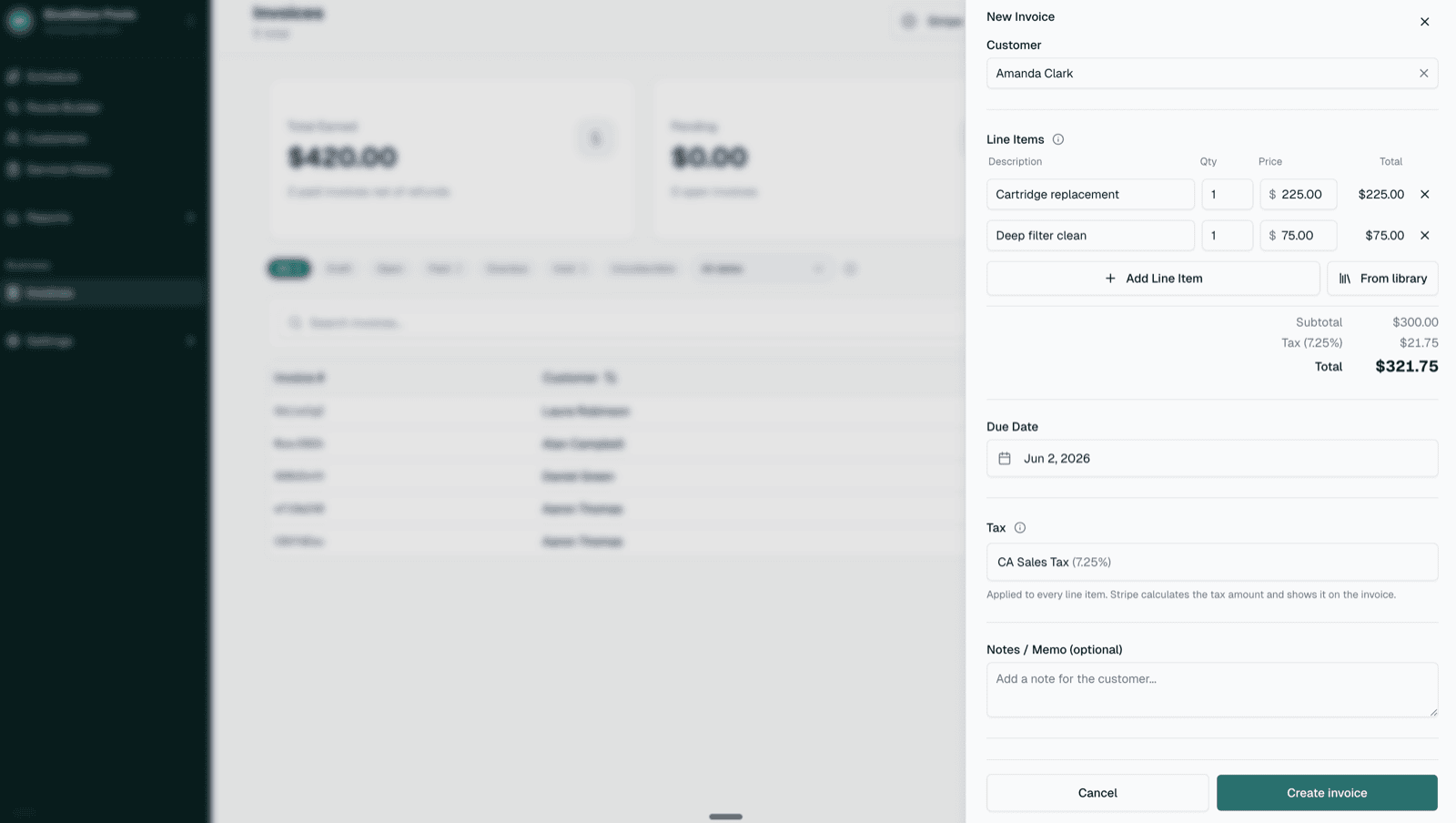
Create invoices for service, chemicals, and additional work.
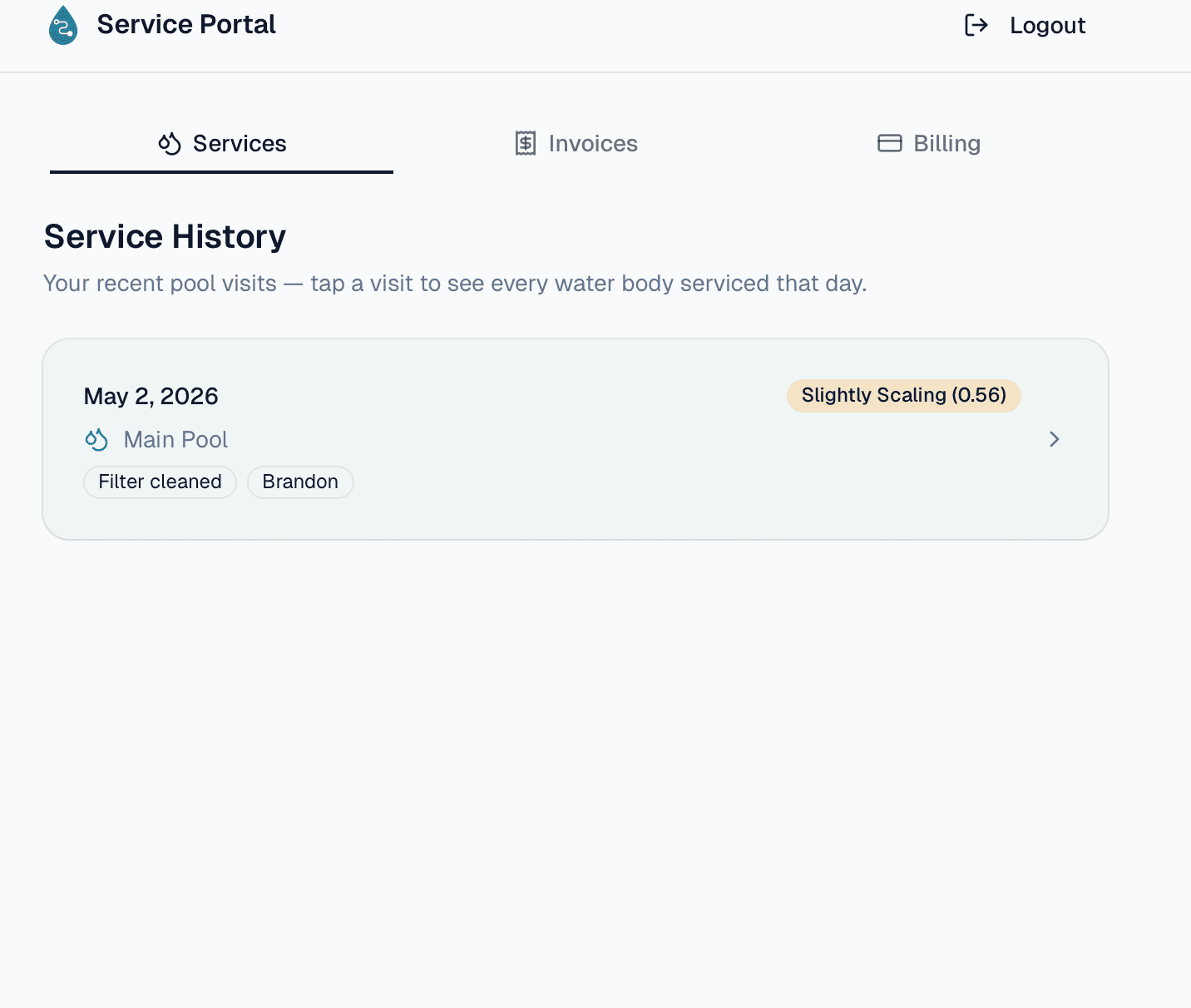
Let customers view and pay their invoices through the customer portal.
Set up recurring billing and AutoPay with customer authorization.
ROOM FOR YOUR BUSINESS
Bring your customer list, set your recurring schedule, and take your next route into PoolOps. Start with a 14-day trial.
$29.99/month
One operator. Unlimited pools. The tools to run your day.
$59.99/month base
Plus $9.99 per active technician seat. Grow at your pace.
Card required. No charge until your trial ends. Cancel anytime.
Compare all plan detailsBefore you start
PoolOps is built for solo pool service operators and small teams that need route scheduling, water chemistry, customer reporting, and billing without enterprise software overhead.
Yes. The field workflow is designed to work offline, including customer details, service logging, photos, and chemistry calculations. Changes sync when the connection returns.
Solo includes unlimited pools, route optimization, recurring schedules, LSI and chemical dosage guidance, service reports, customer history, invoicing, and data export.
Yes. A card is required to start the 14-day full-access trial. You will not be charged until the trial ends, and you can cancel before then with no charge.
Yes. PoolOps supports customer import from a spreadsheet or CSV, including names, addresses, contact details, gate codes, and pool information.
You can export customer and service data from your account. After cancellation, PoolOps retains account data for 90 days in case you return.
YOUR NEXT SERVICE DAY, SORTED
Put your routes, customers, and billing in one place.
Full access for 14 days · Card required