Viewing Past Service Reports
Access all past service reports for any customer to review history or resend reports.
Finding Past Reports
On the Web Dashboard
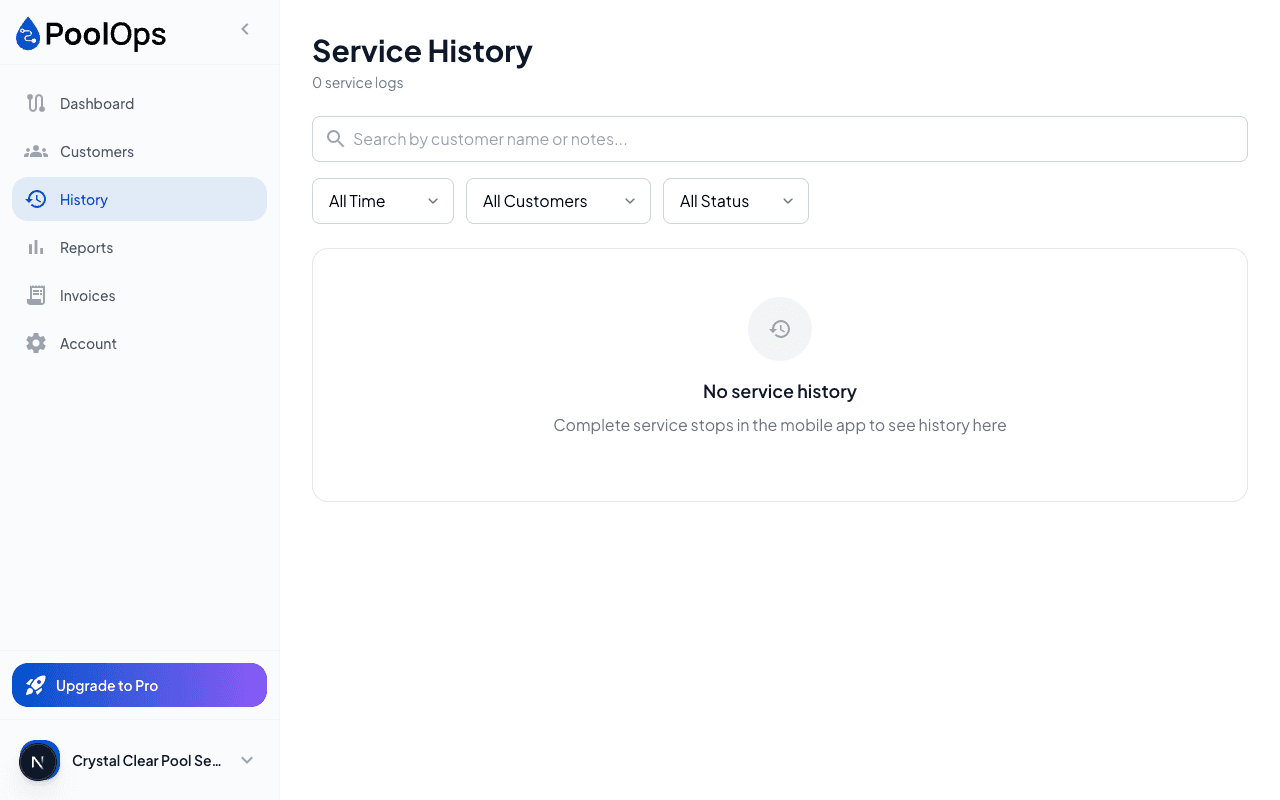
- Go to Customers
- Click a customer to open their profile
- Scroll to Service History
- Click any service to view its report
On the Mobile App
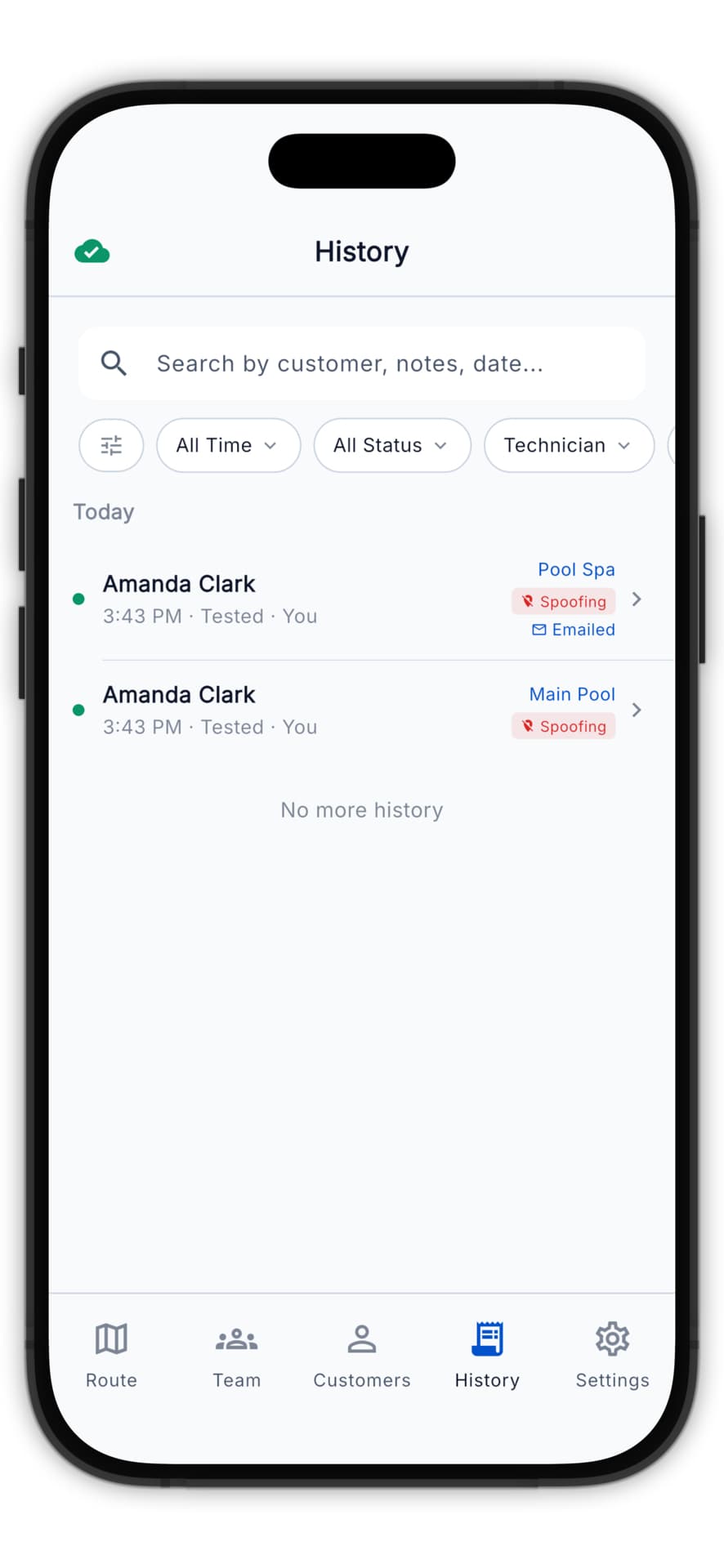
- Open the Customers tab
- Tap a customer
- Tap History
- Tap any service date
Report Details
Each past report shows:
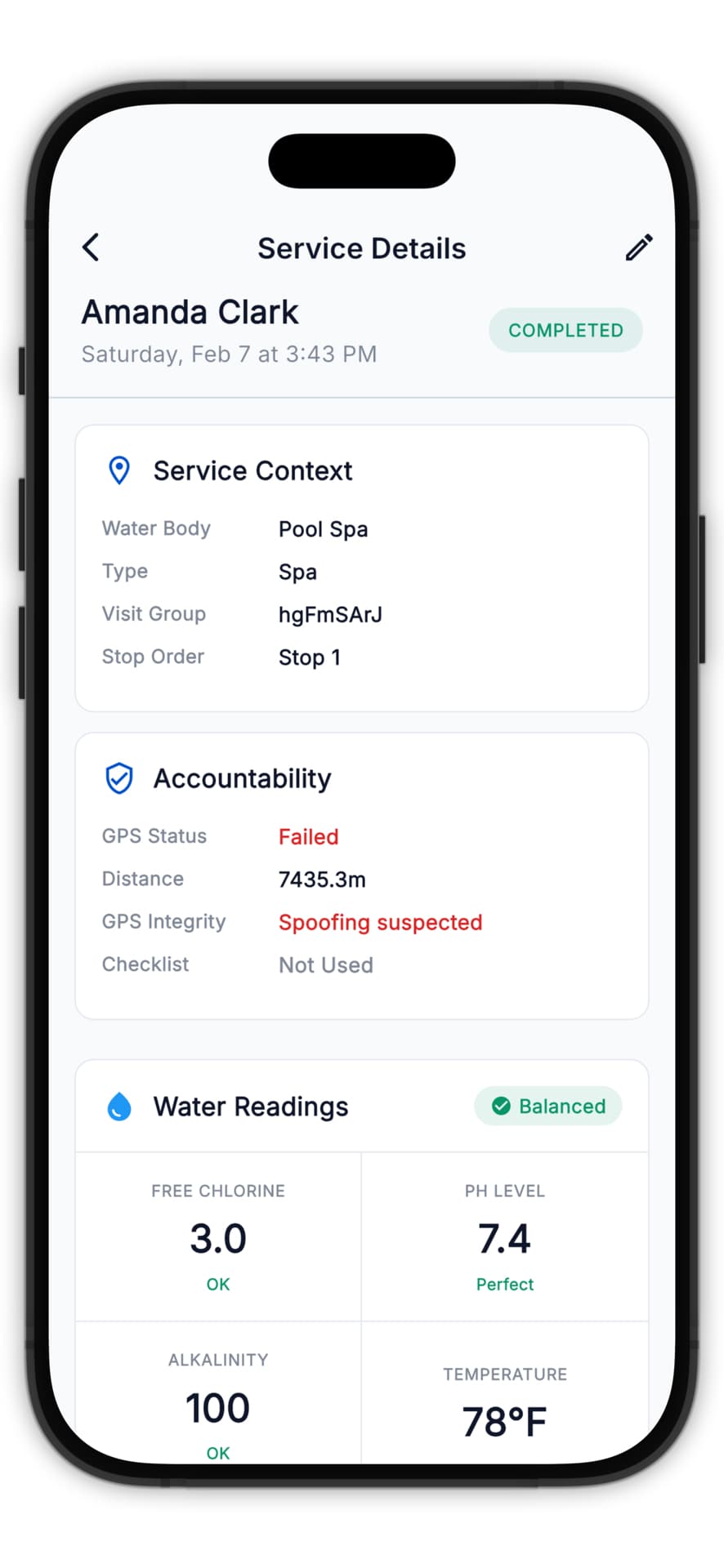
- Complete water readings
- LSI score at time of service
- Chemicals added
- Photos taken
- Notes from the technician
- Report delivery status
Resending Reports
If a customer needs a report resent:
- Find the service in history
- Click Resend Report
- Confirm the customer's phone number
- Send
Useful when customers accidentally delete the text or want to share it.
Exporting Reports
Download reports for your records:
Single Report
- View the report
- Click Export PDF
- Download the file
Bulk Export
- Go to customer's service history
- Click Export All
- Choose date range
- Download as PDF or CSV