Customer Notes and Service History
Every customer has a detailed history of all services performed. Use notes to track important information.
Viewing Service History
On the Mobile App
- Open a customer profile
- Tap the History tab
- See all past services with dates
On the Web Dashboard
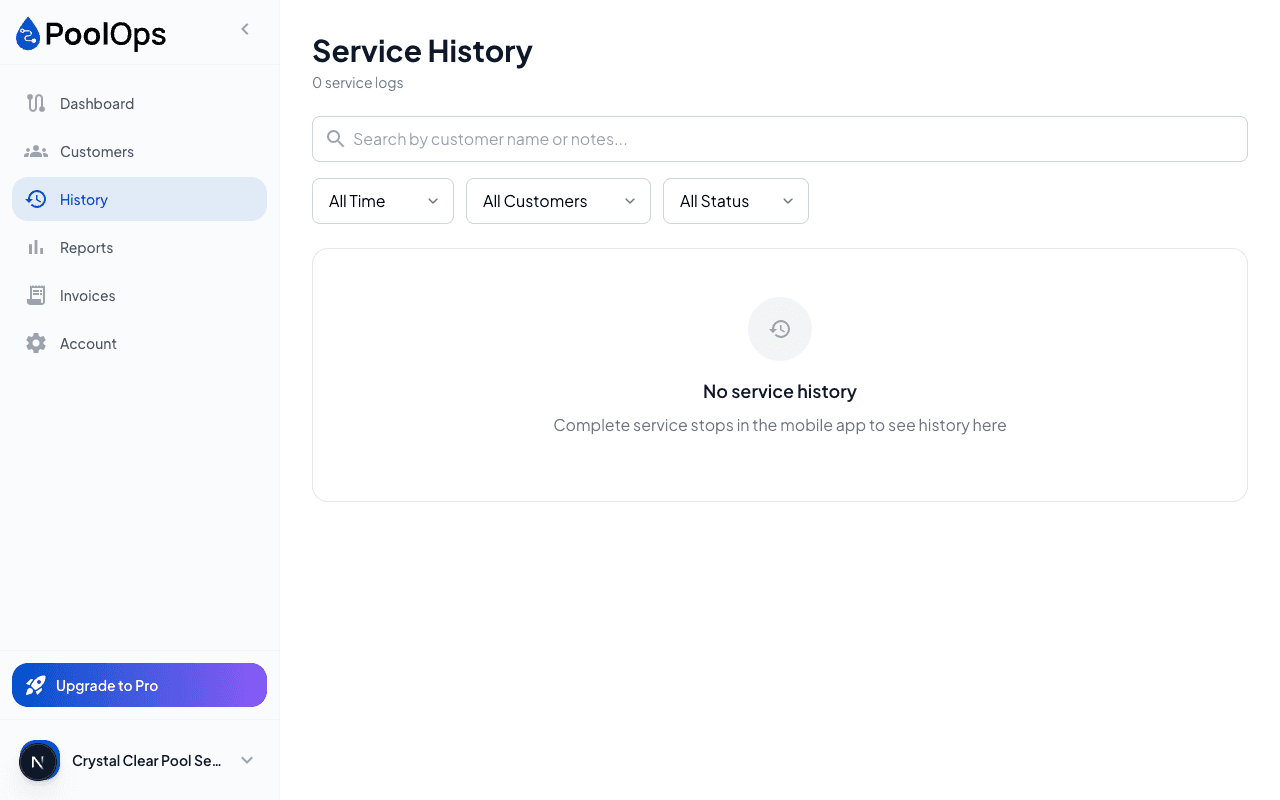
- Click a customer to open their profile
- Scroll to Service History
- View detailed records including:
- Water readings
- Chemicals added
- Photos taken
- Notes from each visit
Understanding History Details
Each service log shows:
- Date and time of service
- Water readings (pH, chlorine, etc.)
- LSI score and balance status
- Chemicals added with amounts
- Photos taken during service
- Notes from the technician
- Checklist items completed
Tap any past service to see its full details.
Using Customer Notes
Notes help you remember important information:
Types of Notes
- Gate codes and access instructions
- Pet information (dogs in backyard)
- Equipment locations (pump is around back)
- Customer preferences (don't use certain chemicals)
- Recurring issues (pool tends to go green in summer)
Adding Notes
- Edit the customer
- Find the Notes field
- Enter your notes
- Save
Notes appear on the route card so techs see them before starting service.
Service-Specific Notes
You can also add notes to individual services:
- During service, find the Notes field
- Enter notes about this specific visit
- Notes are saved with the service log
Example Service Notes
- "Filter pressure high - needs cleaning soon"
- "Customer mentioned they'll be on vacation next week"
- "Added extra chlorine - pool had algae starting"
Exporting History
On the web dashboard, you can export service history:
- Open customer profile
- Click Export History
- Choose format (CSV or PDF)
- Download the file
Useful for providing records to customers or for your own bookkeeping.